At a glance
How can you best protect yourself against having your smartphone or tablet stolen?\ And what should you do if the theft has happened anyway?
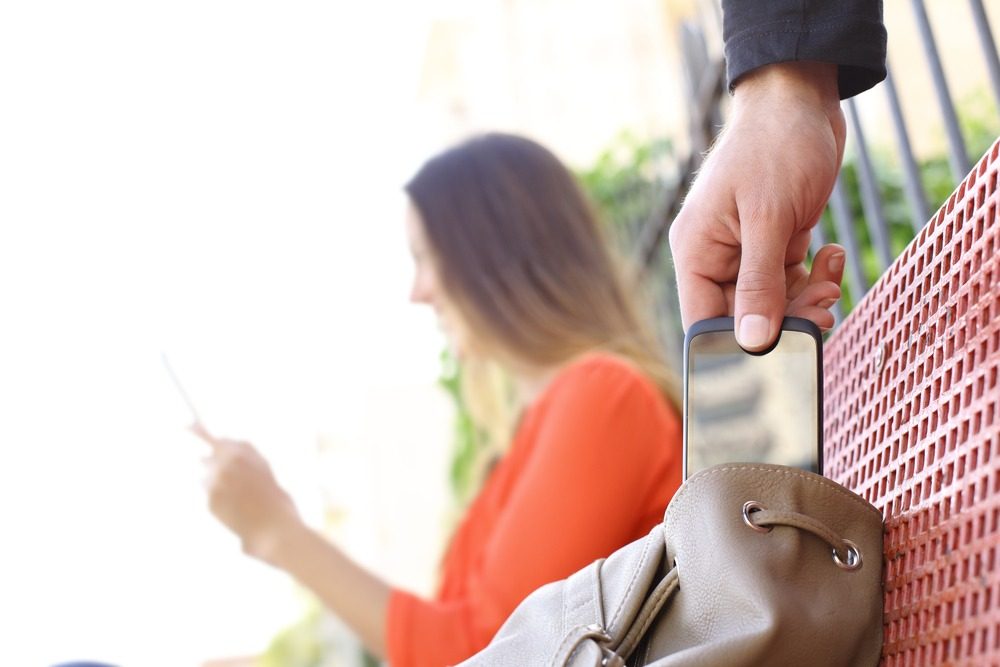
Every day, hundreds of mobile phones (mobiles, smartphones, iPhones,...), laptops and tablets (iPads) are stolen in Belgium. Abroad, tourists are exposed to the same kind of risk.
How can you best protect yourself against having your smartphone or tablet stolen? And what should you do if the theft has happened anyway?
10 tips to prevent your smartphone, tablet or laptop from being stolen
- The basic rule is the same for all valuables: don't leave them in plain sight in your car, in your handbag, in your suitcase, on your restaurant or terrace table, behind your home's window, in your hotel room, etc. A thief can also quickly spot a smartphone hidden in a trouser pocket or a jacket pocket.
- Some thieves have devices that can detect an electronic device hidden in a car. So avoid leaving these devices (even out of sight) in a car without protection.
- Be wary of crowded places where thieves and pickpockets are most numerous (waiting halls, corridors, stairs or escalators, public transport, stations, airports, department stores, markets, …) and of moments when you're less alert (e.g. when paying at the supermarket checkout, when you're busy with your baby or child, …).
- Never write down your access codes in a small notebook that you keep in your bag or – worse – on your computer, and use a secure access code (a mix of 8 characters including letters, symbols and numbers).
- There are apps that let you lock, restrict the use of, or even wipe the content of your devices remotely.
- Keep the purchase receipt for your devices. It will help prove that the stolen device belongs to you. Keep a scanned copy safe in your emails, so you can access it remotely.
- Write down the IMEI identification number of your smartphone. Thanks to this number, your operator can block your device. This number (15 digits) is found under the battery or can be viewed by dialling the following code: *#06#.
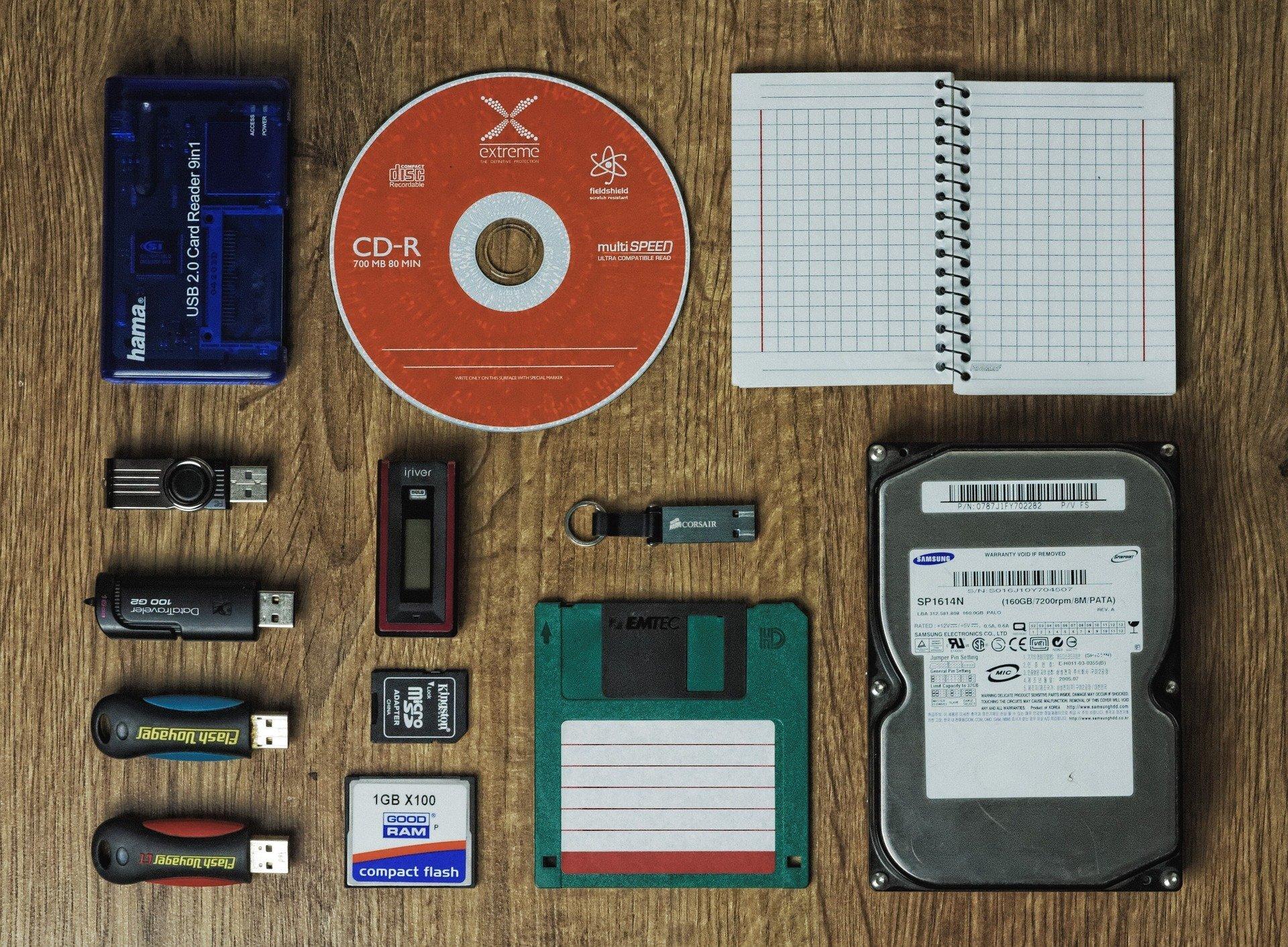
- Regularly back up your data (including your photos). Don't keep sensitive data on your device (access to your home, secret codes, passwords, photos of your children, …)
- If you don't really need them, don't bring your latest-and-greatest devices on holiday, or bring an older model that's worth less.
- Some insurance policies cover the theft of electronic devices. Find out more. (The "luggage insurance" option of Redion's NoGo contract covers this type of item against theft.)
Has your smartphone, laptop or tablet been stolen? What should you do?
- Report the theft of your device to the police. Bring the IMEI number of your smartphone or the serial number of your computer.
- Contact your operator to block your smartphone (using the IMEI number). If you've installed it, activate the app to lock your device's features or to track it.
- Check with your insurer to find out whether the theft of your device is covered.
Also read: "Loss of an ID card or passport abroad"