At a glance
Be careful if you use your smartphone, tablet or PC while travelling. Ill-intentioned people could intercept your sensitive data!
Whether you're travelling for leisure or business: be careful if you use your smartphone, tablet or computer abroad. Ill-intentioned people could intercept your sensitive data!
Cybercriminals are watching you
We all travel with our smartphone, iPad and/or laptop. Whether we use these devices for private purposes (browsing the internet from abroad) or for professional purposes (connecting to work, storing professional presentations, reports, etc.), we all want to keep up our "digital habits" as much as possible while travelling abroad: reading emails, checking social media, browsing the internet, managing payments, booking transport or accommodation, shopping online, etc.
But be careful, because in some cases, using electronic devices can expose us to one form or another of "cybercrime". On the one hand, there's a risk of having your smartphone, tablet or computer stolen while it contains private or sensitive data. On the other hand, you might use your device on an unsecured network, allowing ill-intentioned people to intercept and exploit personal data.
Theft of your smartphone, tablet or computer
Your devices may contain personal information or passwords that give access to private or sensitive data (e.g. credit card details, access to your bank account, your work organisation, your bookings, your address lists, etc.). If this data falls into the wrong hands, it could cause you a great deal of harm.
How can you protect yourself?
A few tips:
- Never lose sight of your devices while travelling, even while they're charging.
- If you can't take your devices with you, lock them away in a secure, locked place. Consider removing the battery and/or SIM card.
- Never leave your electronic device out in plain view in your accommodation, even if you're in the room, in order to avoid drawing attention to it.
- Take your electronic devices in your cabin luggage (unless, of course, local or carrier regulations don't allow it).
- Protect your devices by locking them with a password that's hard to crack.
- In the event of theft or loss, some electronic devices can be disabled or locked remotely. Some can even remotely wipe the data stored on them.
The dangers of Wi-Fi, Bluetooth and shared computers
Wi-Fi
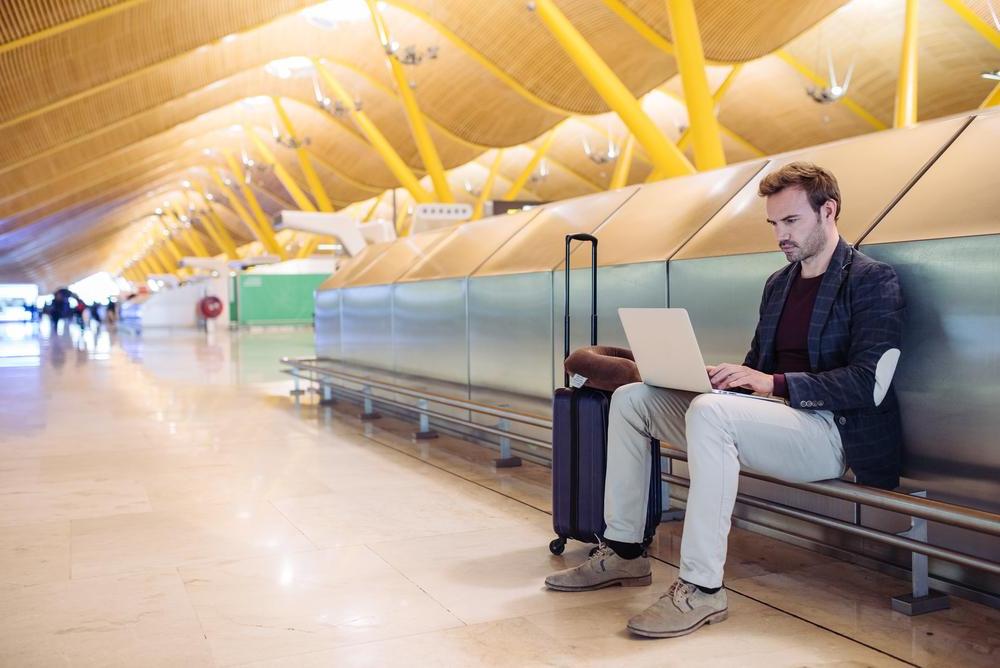
Places offering wireless internet access (Wi-Fi) are popping up everywhere around the world (airports, train stations, hotels, restaurants, etc.). These networks are open to everyone. But be careful, not all of them are secure!
In practice, this means that in these places, there could be malicious software (malware, spyware, etc.) designed to intercept your personal data and information. So limit or avoid using your electronic device in these public places to access sites where you enter access codes, passwords or sensitive data (e.g. to check your bank account or make an online purchase).
Bluetooth
Also be careful with Bluetooth access, especially if you allow other users to access your device or if the connection happens automatically without your permission. If you don't need Bluetooth during your trip, it's best to turn it off to avoid any issues.
Public or shared computers
In various places, computers are made available to travellers (hotels, airports or train stations, lounges, internet cafés, etc.). The danger here can come from software that logs your keystrokes or intercepts the data you use to log in or carry out transactions. Be on your guard and avoid using them for applications where you enter secure data.
How to protect your devices before your trip?
- Avoid taking non-essential sensitive digital data with you;
- Install or update antivirus software and a firewall;
- Set a different password (and one that's hard to crack) for access to sites or apps containing sensitive data.
 How to protect your devices during your trip?
- Avoid connecting media of unknown or unreliable origin to your device, such as a USB stick, a CD, a DVD, etc. They could be infected!
- For professional use, favour VPN access to your company's IT environment.
- Check carefully with the establishment providing a network (Wi-Fi or internal network) what its access code is. Check the name letter by letter or digit by digit! For example: as a guest at hotel XYZ, you might assume that the hotel's Wi-Fi network is named after it. So you look for that name among the connections offered by your device. But the network your device offers you could just as easily come from a malicious network nearby that's using the hotel's name.
- A useful tip in case of loss: display your name and local address (or mobile number) on your computer's screensaver. This will help you get it back.
Data storage and ownership: different laws in different countries
Did you know that not all countries have the same rules regarding data storage or ownership?
- A piece of music that you legally downloaded in Belgium could be considered illegal in another country!
- A photo of a person wearing revealing clothing (for example, a swimsuit) could be considered censored or "pornographic" material in some countries (even if it's a private photo)! The same goes for any magazine or material with erotic content.
- Certain images taken in the country you're visiting, or certain downloaded publications (political, historical, economic, scientific, religious or philosophical documents), could be considered espionage or propaganda there!
So be very careful and find out beforehand what's forbidden in the country you're visiting. Don't forget that local authorities (including customs officers) have the right to search you or read the contents of your electronic devices!
.\