At a glance
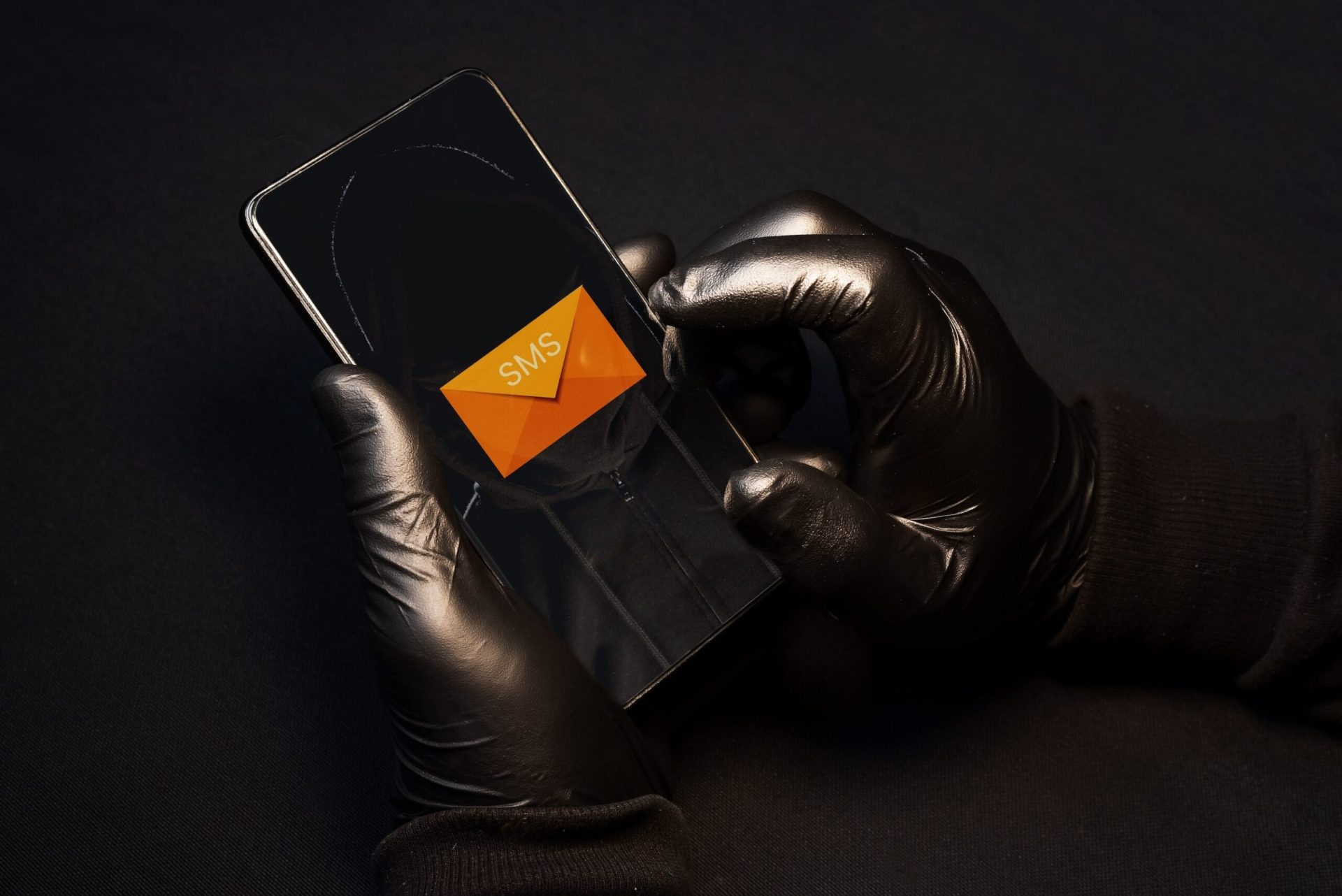
SMS phishing, or smishing, is becoming more and more common among hackers. How can you recognise it and avoid it?
Hackers are no longer limited to emails to steal your data: SMS phishing, or smishing, is becoming more and more widespread.
You've probably already heard of phishing, the technique used to trick internet users by email while posing as a trusted third party. The aim of phishing is to get the victim to hand over personal and/or banking information, which is then used fraudulently.
Nowadays, hackers are no longer limited to phishing emails. They also try to trick their victims using other channels, such as text messages. What is SMS phishing? How does it work? How can you protect yourself against SMS phishing? Here are our tips.
What is SMS phishing?
Definition and aims of SMS phishing
SMS phishing is sometimes referred to as "smishing", a blend of "SMS" and "phishing". It's simply a variant of email phishing.
Whatever the channel, whether email or text message, the aim stays the same: to get the victim to click on a link and enter confidential information (email login details or bank details, for example) so it can be used for malicious purposes (identity theft, money theft, etc.).
The core aim of SMS phishing is therefore to steal confidential information.
Some messages push the victim to click on a link or open an infected attachment, leading them to download malicious software that takes control of their device. This allows hackers to access their accounts and data.
The rise of SMS phishing
Internet users are spending more and more time on their smartphones. Text messages are increasingly used by brands for marketing purposes and by the various institutions we communicate with. As a result, hackers are shifting their efforts towards smishing.
Faced with a surge in SMS phishing attempts, some companies are putting technical solutions in place to block connections to malicious sites from a smartphone. Individuals generally don't have access to this kind of solution. They also tend to be less vigilant when it comes to text messages.
When you receive a text message containing a link, you can't hover over the link to check whether it's actually legitimate. What's more, hackers often hide fraudulent links behind shortened URLs.
Examples of SMS phishing
Here are three common examples of smishing.
- "Suspicious activity has been detected on your account. Click this link to check your account activity..."
- "We tried to deliver your parcel 00065492849, but there is no postage. Follow the instructions here..."
- "After reviewing your health insurance file, we have determined that you will receive a refund of €235.30. Fill in the refund form by clicking this link..."
How does SMS phishing work?
How a smishing attempt unfolds
The way SMS phishing attempts play out is broadly always the same. The victim receives a suspicious text message that appears to come from a trusted third party or a well-known institution (health service, tax authority, bank, parcel delivery company, etc.).
The message is designed to spark the victim's curiosity to get them to click on a link. By clicking on this link, the person is redirected to a fraudulent website, which often looks like a legitimate one. Once on the site, the person is asked to enter personal and/or banking information (email login details, card details, etc.).
By clicking on a link or downloading a fraudulent attachment, the victim may also end up downloading malware. Once downloaded onto the phone, the malware can harvest personal data such as passwords or contact lists.
Just like phishing, SMS phishing is an attack vector that opens the door to hackers. Once they've gathered information, they can then carry out more advanced attacks:
- Taking control of an account to break into an IT system
- Banking fraud
- Identity theft
The techniques used by hackers
Trust: The various levers hackers use during their SMS scams and smishing attempts are now well known. They rely on people's natural tendency to trust others. This is precisely why they hijack the identity of well-known institutions or companies (Microsoft, Netflix, DHL, Google, etc.) in an attempt to build trust with the victim and secure their cooperation.
Urgency, fear, curiosity: Hackers also play on urgency (example: "You have 48 hours to confirm this transfer"), fear ("Your account will be suspended unless you take action") or curiosity. All these psychological manipulation techniques fall under the term "social engineering".
The lure of gain: Phishing texts often mention a refund, a sum of money or a pending transfer, a potential win, and so on. Since human beings tend to be quite curious, it can sometimes be very hard to resist clicking when faced with this kind of bait.
From a slightly more technical point of view, phishing (whether by email or text message) relies on infected attachments or fraudulent links leading to malicious websites. The design of these websites tends to closely resemble that of legitimate ones, but certain clues can sometimes help the victim spot that they're on a fraudulent site: a letter is changed in the site's URL, or the site's extension isn't quite right (".com" instead of ".org", for example).
How should you react to SMS phishing?
Key tips to protect yourself against SMS phishing
Be vigilant if you suspect smishing.
- When you receive a suspicious text message, don't act in a rush, even if the tone of the message is threatening. Ask yourself whether the information is accurate and makes sense. You receive a text about a parcel delivery, but you don't have any orders pending? You receive a transfer notification from your bank, but you're not expecting any payment? You receive a text supposedly sent by a relative asking for financial help? These are all warning signs. Contact the institution in question through another communication channel (by phone, for example) to check whether the information is genuine.
- If in doubt, don't click on links and don't open attachments.
- If you have clicked on a link and been redirected to a website that seems suspicious, don't fill in any fields that appear. This will help you avoid disclosing personal, confidential or banking information.
- Report the fraudulent text message by sending a screenshot to suspect@safeonweb.be. Your report will be processed automatically.
What should you do if you've been a victim of SMS phishing?
Have you disclosed sensitive information following a phishing text message? Here are a few tips to follow.
- If you've shared your banking details, notify your bank as quickly as possible and have your access codes blocked. If a fraudulent payment has been made, report it and have it blocked.
- If you've shared login details (for your email account, for example), change the password for that account. In some cases, you may need to go through an account recovery process (via a help page). If you use this password for other accounts, change it there too, as many times as necessary, and from now on choose different passwords for each account.
If you've downloaded malicious software onto your smartphone, you need to remove it. Plenty of tutorials are available online to help you do this.
Our assistance service can help you if you fall victim to SMS phishing: don't hesitate to visit our Safe & Connected product page!
Article written in collaboration with We are the Words.