At a glance
How can you keep your energy use under control while working from home? How do you get through the cold season while working remotely?
.
Since the coronavirus pandemic, many people have started working or studying from home.
During the cold season, working from home is sometimes trickier than during the warmer months, since your workspace needs to be heated and you're exposed more to artificial light.
How can you keep your energy use under control during this period, and above all, how can you get through these dark months in the most pleasant and efficient way possible while working from home, in front of your computer?
Here are a few tips for people working from home to get through the winter months in a healthy way, without using too much energy:
Heating
If you use a separate room to work and the other rooms in your home aren't being used, it's best to only heat the space you're in and keep the temperature in the other rooms a little lower. Instead of heating the whole workspace, you could also set up a small (electric) heater near where you sit.
Don't overheat your workspace.
Natural light
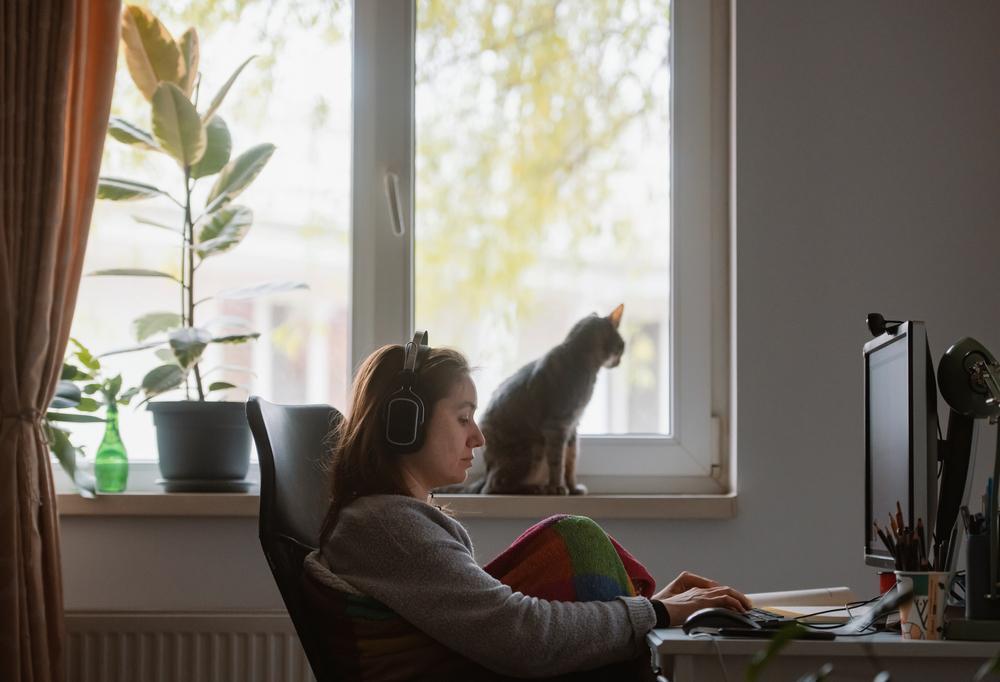
Work near a window. This will let you make the most of natural light and sunshine on fine days.
Electricity use
Switch off any electrical devices you don't need or aren't using, and take advantage of off-peak electricity rates for energy-hungry appliances (such as washing machines or tumble dryers). At night, fully switch off the devices you use for work, instead of leaving them in "standby mode".
Solar energy
Is your home fitted with solar panels? They're useful in winter too. During the winter months, the best charging hours of the day are between 11am and 2pm.
Ventilation
Air out your workspace regularly for a few minutes before you start work, and possibly for a few minutes after you finish. Good ventilation and fresh air will help you concentrate better.
A pleasant workspace
 Make your workspace as functional and comfortable as possible (if needed, add something that brings it to life or makes it feel personal), and use items that can make your work easier, such as a small board where you can pin a "post-it" or messages. Make sure you have a good chair and keep a good posture in front of your computer. Also make sure the lighting is good.
Keep your workspace clean and tidy
Try not to eat in front of your computer, but rather in the room of the house where you usually do (kitchen, dining room). It's best to avoid bulky, unnecessary items in your workspace, as clutter makes your desk less appealing and can distract you.
Fresh air and movement
Get some fresh air during the day and step outside for a few minutes while it's light. This will do you a lot of good, both physically and mentally. Half an hour of exercise outdoors is enough to "recharge your batteries". Clear your head by doing something you enjoy.
A good schedule
Stick to a schedule split between working hours and short breaks, try to follow this schedule and finish your working day at the planned time. This will make it easier to separate your personal and professional activities.
Do you work in a room you share with other members of your household? Try to tidy away your "desk" after your working hours, and especially over the weekend. This will help separate work from personal life for everyone in the family.
Everyone plays a part
Useful tips for not using too much energy should be known and followed by every member of the family. Teach these good habits to your children and ask them to follow them.
Also read:
5 tips for saving on heating
9 tips for secure remote working (IT risks)
First published: 11/2020 - Updated: 11/2021