At a glance
Overheating in your computer or phone shouldn't be taken lightly. What should you check to avoid it getting too hot?
Overheating in your computer or phone shouldn't be taken lightly. What should you check to avoid it getting too hot?
Do you recognise that characteristic noise? As soon as you launch a program, a game, or load a heavy webpage, your computer becomes noisy.
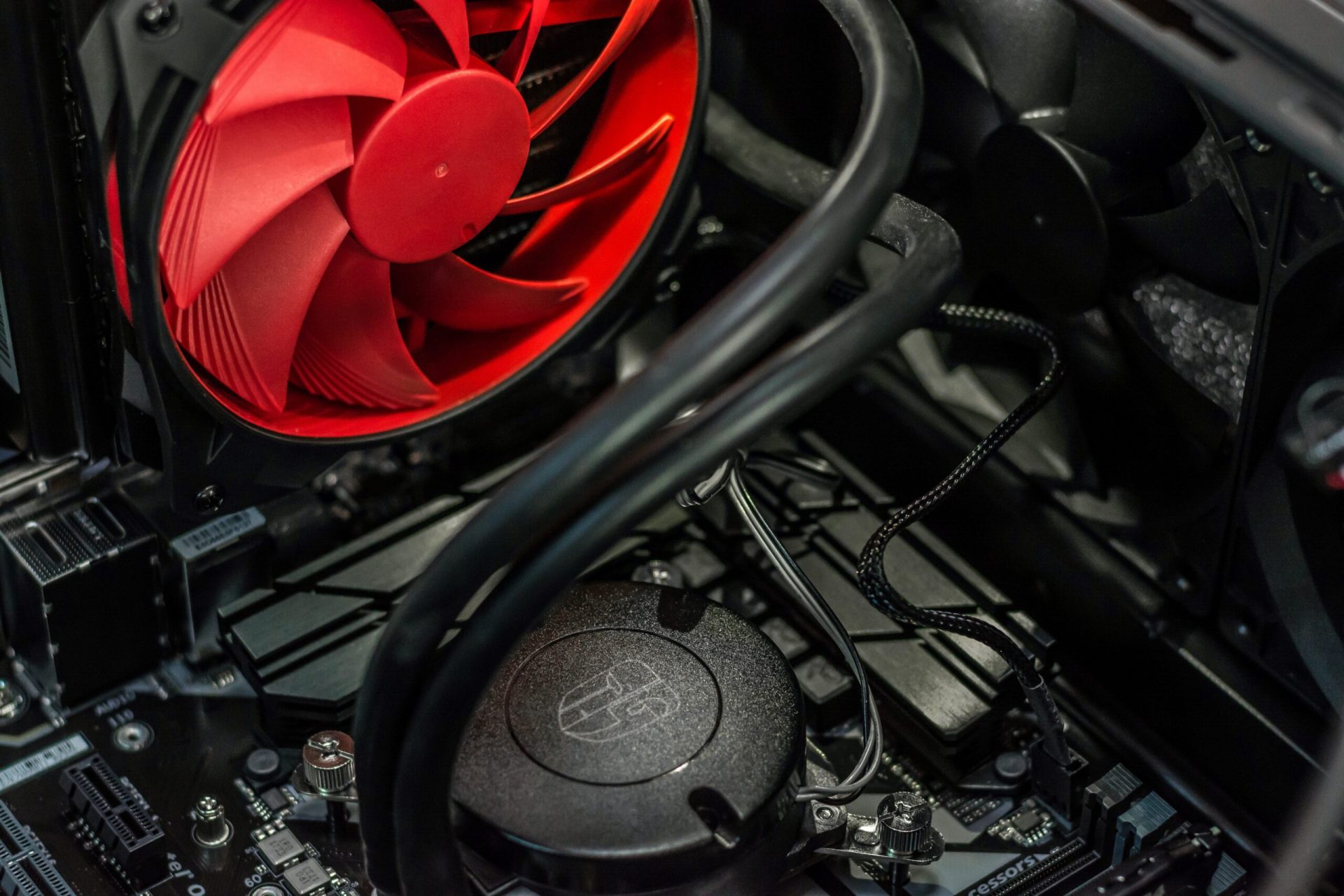
That's the cooling system kicking in, the guardian of the right temperature for the internal components. This system prevents your computer from overheating.
In the short term, an overheating computer will run programs more slowly. But your computer could also go into standby as a precaution or shut down abruptly.
Why does a computer overheat?
1. The outside temperature
It's simple maths: heat + heat = even more heat. A room that's not ventilated enough and too exposed to high temperatures is a room where your computer risks overheating. As for laptops, avoid using them outdoors, especially during warm seasons, and don't expose them to direct sunlight.
2. Accumulated dust
Dust is the enemy of all electronic devices. It gets in everywhere, sticking to ventilation grilles or internal components. It has the same effect as an electric blanket inside your computer.
3. Internal components
During normal use, the processor and power supply produce heat. This is normally regulated by the cooling system and fans. Like every part of a computer, these components age over the years. Eventually, they may fail or work less well.
That means it's time to replace faulty parts, or even the computer itself, depending on the diagnosis a repair technician might give you.
Our tips to avoid overheating
Your laptop is overheating
- Use your laptop on a flat, hard surface, in a well-ventilated room that isn't too hot. Working with a laptop on your lap or on a cushion is a bad idea. Indeed, your fan's ventilation grilles can end up blocked. That's a guaranteed way to overheat!
- Don't work outdoors in direct sunlight, during a heatwave, or during periods of heavy pollen (which acts like dust on the internal components).
- Opt for cooling pads that improve ventilation. Cooling pads are devices fitted with fans that you place underneath your laptop. Ask a salesperson for advice, stating your computer's model: the cooling pad needs to be correctly positioned, aligned with the laptop's vents, for optimal use.
- Elevate your laptop using hardware items, such as furniture pads. This elevation allows better airflow between your computer and the surface it's resting on.
Your desktop computer is overheating
- Set up your computer in a spot away from direct sunlight that you can easily ventilate. Avoid anything that generates dust or flying particles, such as smoking next to your computer, a cat that sheds easily, or a computer set up in a workshop or kitchen...
- Give it a quick vacuum from time to time on the outer surfaces, using the lowest suction setting. If you're careful with your machine, you could also get a "mini vacuum", which recharges via USB and does the job wonderfully!
- Use a can of compressed air if the vacuum cleaner worries you. With short bursts, you'll achieve the same result. Be careful, though: compressed air doesn't make dust disappear, it just moves it around... with the risk of it building up in a corner.
- Let your computer rest! After long periods of activity, it can end up overheating. A short break will do it good. Don't leave your PC on all the time either, but turn it off from time to time.
What to do if your phone overheats?
All mobile phones can be considered mini-computers. So some of the tips given above also apply to smartphones:
- Don't leave your smartphone in the sun: choose a spot in the shade instead. Do you need to use your phone as a GPS? Find a mount that lets you attach it to your car's air vents.
- Adjust your internal settings: turn off Wi-Fi, Bluetooth or location if you're not using them. Go through your apps and look out for those that refresh in the background. These are the apps that, on top of draining your battery, put strain on your smartphone and cause it to heat up.
- Don't hesitate to tidy up your apps by deleting the ones you no longer use, and update them regularly. The frequency of phone overheating can be reduced through updates.
- Be careful when charging, use the official charger. While chargers may look like they all plug in the same way, they don't deliver the same power. This is even more true with tablet chargers. This extra power can cause your phone or iPad to overheat.
Warning: a battery charged with the wrong power output can cause much more significant damage. The risk of fire is real: in recent times, fire services have had to intervene more often due to overheating devices.
Some waterproof smartphones can be briefly dipped in unsalted water to cool them down. Make sure your smartphone is actually waterproof and follow the manufacturer's recommendations before immersing your phone.
The consequences of immersion for a non-waterproof phone could be fatal. Don't hesitate to reread our article explaining what to do if your phone has fallen into water.
In brief
All your electronic devices are extremely sensitive. They can't handle heat or dust. These two factors can cause your computer or mobile phone to overheat. In turn, overheating leads to reduced performance or your machine shutting down abruptly.
Thorough cleaning, both of the hardware (with a small vacuum or a can of compressed air) and of the software and settings, will greatly help your machine. But if the overheating problem persists, it's possible that the internal components are near the end of their life. You'll then need to have it repaired or buy a new device.
You've now discovered tips and tricks to avoid your computer overheating. But do you know what to do in the event of a computer crash?
Article written in collaboration with We are the Words.