At a glance
Improving an internet connection to boost its speed has become a priority. How can you do it, with or without a cable?
In a world where all communications go through the web, improving your internet connection to boost its speed is a priority. Here are our tips.
Whether it's for leisure or because you're going from one video call to another for work, boosting connection speed is a never-ending quest. Improving your internet connection brings plenty of benefits… but first you need to know how to go about it.
While Wi-Fi is now standard in every home, don't forget that it's still a radio signal, and as such, the further it travels from the router, the weaker it gets.
There are therefore several ways to improve your internet connection speed. With or without a cable, we'll explain it all. But first, a quick detour through some technical terms.
Improving your internet connection: the technical terms
Fibre optic, extender, RJ45 socket and Ethernet cable. If you're looking for the best solution to improve your internet connection, you've probably already come across these terms several times. But if you're not familiar with them, here's a quick glossary:
- ADSL is a broadband network that uses telephone lines, dedicated to transmitting multimedia and audiovisual data.
- Wi-Fi is a high-speed wireless local area network used to link computing devices together.
- Fibre optic is a communication medium made up of a strand of dielectric material (glass, silica, etc.) through which light (visible or infrared) travels. Optical fibres are the main medium used to transmit information digitally in high-speed networks.
- Ethernet refers to a local network protocol. It relies on twisted-pair cables to connect several devices together. For individuals, Ethernet essentially means the cable plugged between a computer and an internet router, providing a high-quality network and internet speed. In terms of function, it's similar to standard Wi-Fi.
- RJ45 is the name of the 8P8C modular connector (a rectangular plug with 8 positions and 8 electrical contacts) commonly used for Ethernet connections and telephone connectors.
- PLC stands for "Power Line Communication". This technology allows a computer network to be built using a home's electrical wiring.
Improving your internet connection with a cable
The Ethernet cable
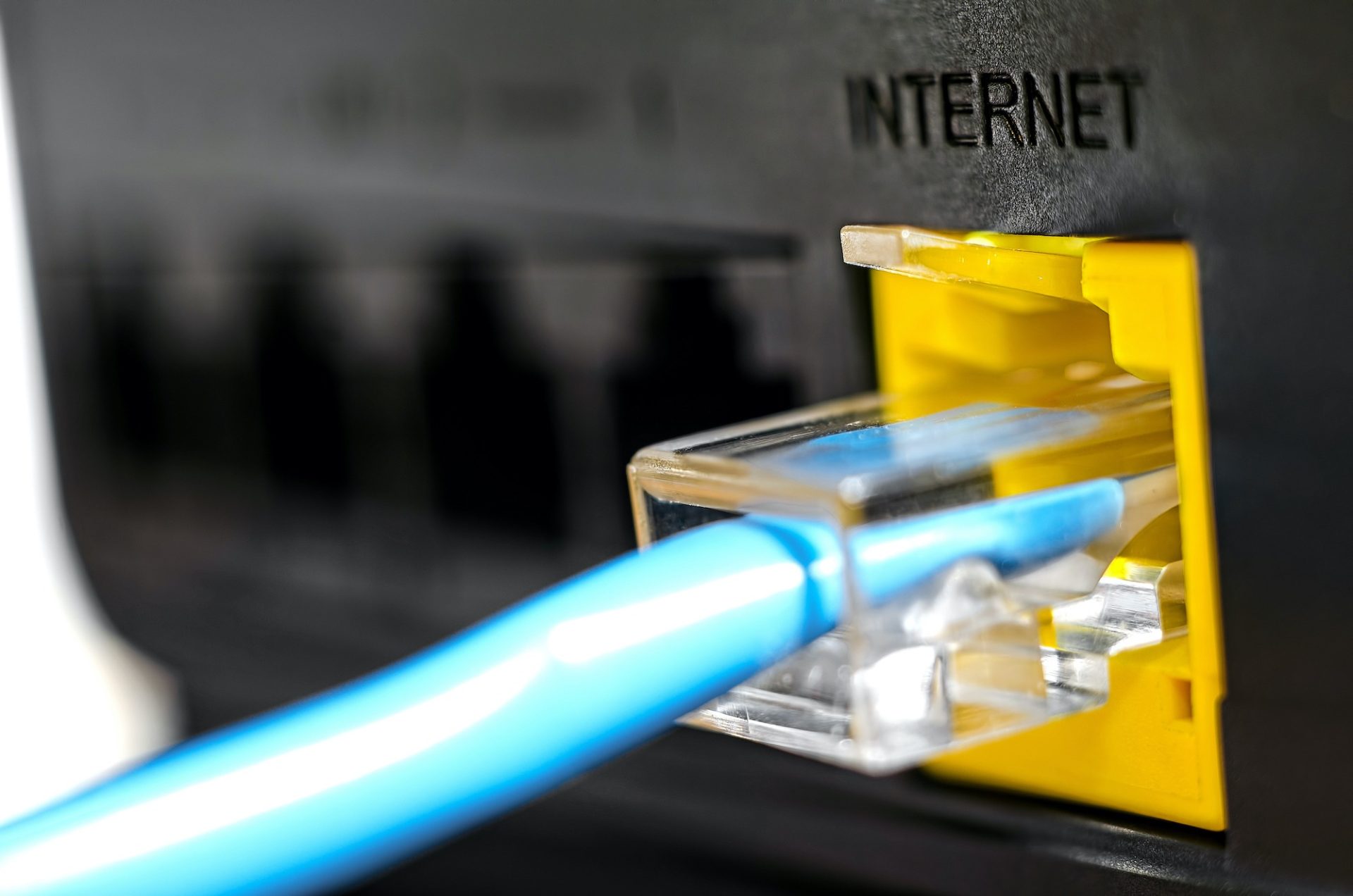
The best solution for improving your internet connection is still connecting directly to your internet router. If your computer is near the router, in the same room, use an Ethernet cable to connect the two devices.
Does your computer not have an Ethernet port? Don't worry: there are connectors that plug directly into a USB port.
The PLC kit
Is your router on one side of the house and your computer on the other? No problem. Use a PLC kit. The process is quite simple:
- on the router's side, plug the first PLC unit into a power socket
- then connect an Ethernet cable between the router and the unit
- on the computer's side, plug the second PLC unit into a power socket
- then connect an Ethernet cable between the unit and your computer
Some PLC kits also act as a Wi-Fi extender, providing a stable, constant Wi-Fi signal in every room of the house.
The best way to improve your internet connection: a network of RJ45 sockets
Planning some renovations in your home? Or building your new dream home? If your architect or electrician doesn't suggest it, ask them to add RJ45 sockets in every room of your house.
The benefit of RJ45 sockets is that you use the existing electrical conduits to run Ethernet cables. And a bit like an electricity meter, the electrician will install a box, next to the router, with all the Ethernet inputs.
Improving your internet connection without a cable
While an Ethernet connection remains the best option, it doesn't solve connection issues if you're using a tablet or smartphone. In that case, it's the Wi-Fi that needs to be upgraded so you can enjoy the best possible connection.
Ask for fibre
Fibre is being rolled out more and more, but for now it remains a fairly urban luxury. Belgium is far from having covered its entire territory with fibre connectivity. This map from BIPT shows the progress made, with covered areas and planned areas. And you can see a stark difference in rollout, especially for Belgians living south of the Sambre-Meuse line.
Ask for new equipment
Yes, your Wi-Fi router can become outdated. Don't hesitate, when renewing or renegotiating your contract with your internet provider, to ask for a new router to improve your internet connection.
Position your router in the right spot
You'll be surprised to find that moving your router just one metre can greatly improve your connectivity. So if it's technically possible (since it will also depend on where the internet cable comes in), place your router:
- In the centre of your home
- Away from load-bearing walls
- Away from disruptive elements: too much metal or interference from other signals
- In an open space, 1.5 m off the ground
Choose an extender
A Wi-Fi extender is, as the name suggests, a device that boosts and amplifies the Wi-Fi signal. It's a unit fitted with antennas, which you plug into a power socket and configure via an app or website.
An extender is effective for large homes or houses with multiple floors. Obviously, position the extender in the right, strategic spot.
Before thinking about improving your internet connection
 There are a few things worth remembering before diving headfirst into ultra-powerful connections. Because a slow connection is sometimes the result of one or more factors that have nothing to do with your connection speed.
Background updates
Think about social media, messaging apps, software that uses the cloud: all these apps are constantly updating. And so they use your internet connection, without you actually benefiting from it.
A computer virus
In our malware glossary, we explain the specifics of various computer viruses. Some make excessive use of your connection for various malicious purposes (recording your online activity, harvesting your personal information, etc.).
So run an antivirus scan from time to time, and don't forget to update your devices. And speaking of good basic habits, turn off your device from time to time: you'll see, it can only do it good!
Inconsiderate neighbours
Yes, sometimes neighbours use other neighbours' bandwidth. The culprit is usually a network password you've probably changed to make it easier to remember. So don't hesitate to check that your password is properly secure: follow our tips in our infographic!
Did you manage to improve your internet connection? So, wired network or Wi-Fi? In any case, don't hesitate to read our article "Securing your Wi-Fi against hacking"!
Article written in collaboration with We are the Words.