At a glance
Building your own PC lets you customise your machine. But is building your own PC always a good idea?
More speed, storage, graphics power... Building your own PC lets you customise your machine. But is building your own PC a good idea?
If the pandemic accelerated many changes in our habits, it also accelerated the digital revolution. Whether through remote work or teleconsultation, the outside world is making its way into your office, your living room.
While most users are happy with the performance of a desktop PC, others appreciate one of the PC's great capabilities: its adaptability. While laptops leave very little room for technical optimisation, for lack of space, the empty shell of a PC tower can be a playground.
Why build your own PC?
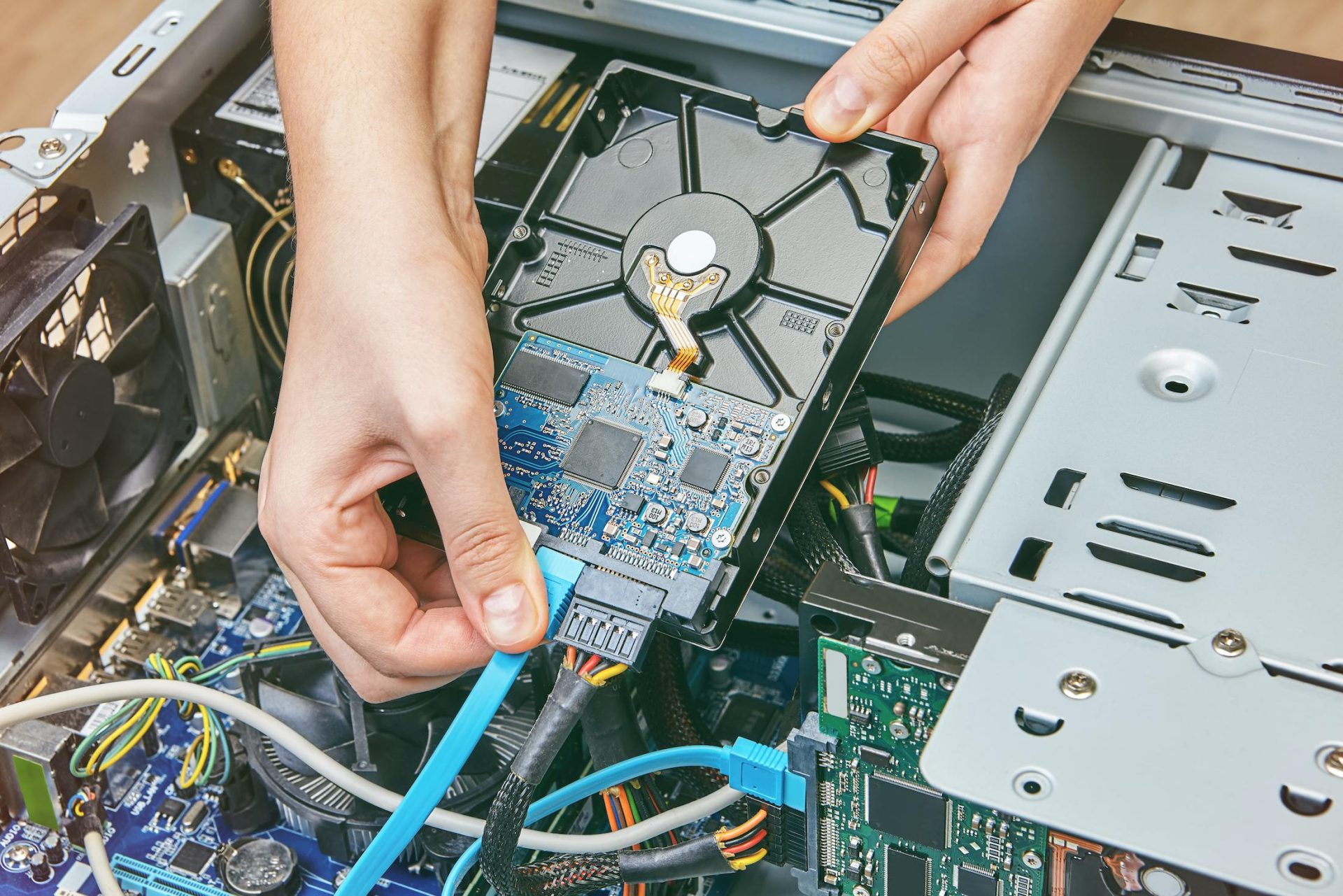
Above all, building your own PC lets you control every component that goes into it. Rather than buying a preset model, the idea is to build a machine that matches the user's technical needs, with:
- More storage capacity
- More RAM capacity
- More graphics capacity
But building can also be part of the user's hobbies or professional activities. Building your own PC is often seen as a rite of passage in the gaming community. Better graphics, better FPS - Frames Per Second -, better responsiveness...
Building your own PC can also meet the needs of creators: architects, 3D modellers, special effects animators or graphic designers... The programs used in these professions are demanding in terms of energy and computing capacity. The more powerful the computer, the faster the rendering.
And, finally, it can be a passion for "tinkerers", those with neither a real technical need nor a professional motivation. Building a PC is a hobby for them, just like building a LEGO set or a garden shed.
Building your own PC, not for amateurs?
At first glance, however, taking on the task of building your own PC is not like building a LEGO set or an IKEA piece of furniture. There is no pre-established set of instructions, since you are going to build the PC that meets your own needs...
So it's important to ask yourself a few basic questions before you start:
- What is your knowledge and experience in this area? If you're starting from zero, thoroughly explore all the resources available to you. Don't hesitate to turn to free online training, private lessons or workshops offered by computer retailers. This will also let you know where to buy the best parts, whether you should always buy new or whether you can buy second-hand, and which online shops are the most reliable!
- Who should you call if there's a problem? Connecting with the community will let you build up a small address book of contacts to call in case of problems. If online help sometimes feels too theoretical, call on a repair technician who can come to your home to help you.
- What are your needs? Your needs determine which components you should buy.
- What are the best components to use? Which graphics card, which RAM, which processor... Answering these questions requires knowing the capabilities of each component.
- What are the pitfalls, the bad practices to avoid? Certain tips and pieces of advice can quickly prove useful, so your hours of work don't end up on a black screen.
Watch out for component compatibility
Also remember that some components are not compatible with each other. It's a matter of hardware generation, in terms of technical design. To learn more on this topic, check out this article from Comment ça marche.
Finally, in terms of tools... You don't need a soldering iron or wiring expertise. Sometimes a cross-head screwdriver is all you need. Of course, the documentation for each component – which you'll find either physically when you buy it, or online on the retailer's/manufacturer's website – will tell you if you need any specific equipment. So make sure to read the various manuals carefully!
Getting help to build your PC
Even though there's no assembly manual, you'll find plenty of resources online. Blog articles, videos, webinars, online courses... Don't hesitate to type "how to build your own PC" into Google and see the tips that appear in the search results.
Also turn to the community, in comments on blog articles or on specialised forums. Give as much detailed explanation as possible about what you're building and the problems you're facing, and mention that you're "a newcomer" and that your questions might seem "silly". Don't be offended if some answers seem blunt or unpleasant.
Finally, don't overlook physical stores! Many professionals and enthusiasts can help you and guide you through your entire purchasing process.
A few useful resources for building your PC
- A very complete article from Just Geek
- A guide from FNAC explaining how to choose your components
- The DiscoverID YouTube channel, which is packed with test videos of different components and assembly tutorials
- The Guillaume Tech YouTube channel, which, according to its description, offers: "hardware and tech videos, tutorials and buying guides for GAMING SETUPS / GAMER PC BUILDS"
You can also go further by looking for "PC configurator" websites, such as LDLC or Cybertek. Finally, don't hesitate to turn to more academic resources: Wikibooks offers a 10-volume "book" on building a PC. Wikihow also offers a complete guide to building your own laptop.
In short
As you'll have gathered: building your own PC is a bit of an adventure. It's not for just anyone, because you need to be aware of your real needs as well as the qualities and performance of each computer component.
But if you manage to do everything by the book and build the PC of your dreams, you'll get all the more satisfaction from it. Before you start, consider every aspect carefully and prepare for the project ahead. And remember that you're not alone: the internet is there to help you.
There are many points to consider when building your own PC. One of them is being careful about ventilation and fans, to avoid your computer overheating. Don't hesitate either to take out Safe & Connected insurance, which offers you help in the event of an urgent computer breakdown.
Article written in collaboration with We are the Words.